Never forget an event again

Busy parents and forgetful kids don't need another calendar to check. They need one that speaks up.

The family calendar, the notebook and the board on the fridge only work if someone remembers to look. Family Voice Reminder doesn't wait to be looked at: a tablet at home calls each person by name, out loud, before every event.

  • Heard from across the room, no need to check a screen
  • Repeats until someone taps Got it
  • Tuition, swimming, the dentist: for every member of the family

Use your family Google account. The app only reads its calendar; it never changes events.
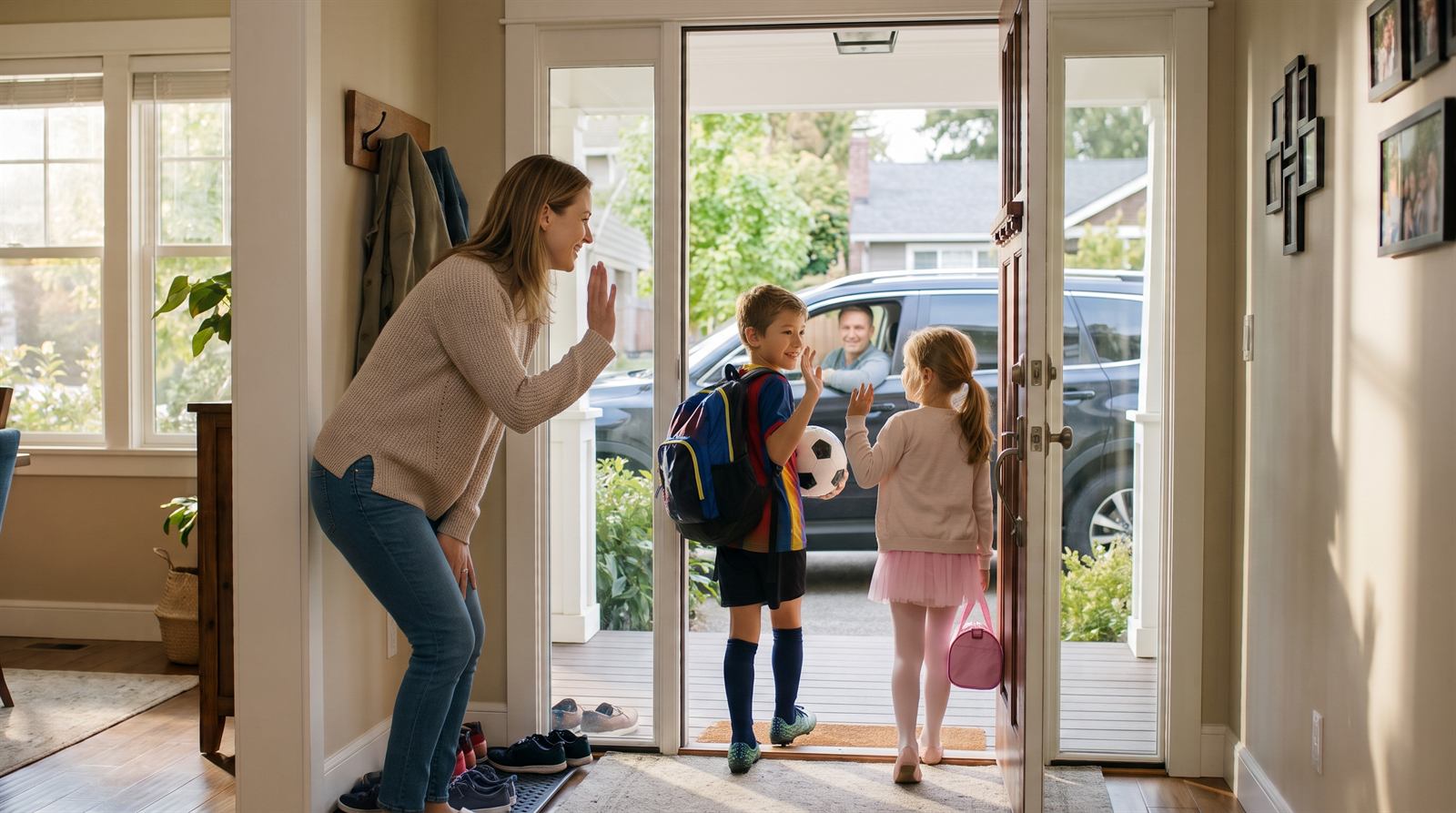
A mum waves her son and daughter off to football and ballet as dad waits in the car

What the tablet shows and says

When a reminder is due, the tablet shows a card for the person it's for, with a countdown, and says it out loud. It keeps reminding them as the start gets closer, until someone taps Got it.

Voice: Sonia - British English, female

How it works

1. Sign in

Sign in with the family Google account and allow read-only calendar access.

2. Add your family

Each person's email and the name the tablet should call them.

3. Connect a tablet

Scan a QR code with any tablet's browser. No app to install.

4. Add events

Invite family members to events. The tablet reminds them 30 minutes before, or whenever you choose.

Reminders that repeat until someone listens

Each reminder starts a short round of announcements counting down to the start, plus a last call. Tap Got it on the tablet and it stops. Quiet hours keep the evenings silent.

Private by design

Events are read only for the next few hours and are never stored. You can delete your account and all its data at any time. Read the privacy policy.

Frequently asked questions

A calendar, a notebook or a board on the fridge only helps if someone remembers to check it. Busy parents and kids often don't. Family Voice Reminder keeps using the calendar you already have, and speaks up at the right time so nobody has to remember to look.

A Google account for the family, and a tablet with a web browser that stays at home on Wi-Fi. An old Android tablet or iPad is fine. There's no app to install: the tablet connects by scanning a QR code.

You add each family member with their email and the name the tablet should call them. When an event on the family calendar has that person as a guest, the tablet calls them by name. Events with no matching guest are announced for everyone.

By default, 30 minutes before each event, then again as it gets closer, with a last call just before it starts. You can change the timing in Settings. Tap Got it on the tablet to stop the rest of the reminders for that event.

Yes. If the event has a location in Google Calendar, the reminder says it: "Jennifer, your Maths tuition starts in 30 minutes, at 4 PM, at Bright Minds Centre." The morning summary includes it too. You can turn this off in Settings, and the tablet still shows the location on screen.

Not if you set quiet hours. During quiet hours nothing is spoken, though reminders still show on the screen. When quiet hours end, the tablet can read out each person's day as a morning summary.

Yes. Choose from several natural-sounding English voices, including British, American, Australian, Singapore and Indian accents. If a name sounds wrong, you can spell it the way it sounds and preview it.

No. The app only has read-only access to the calendar. It reads the next few hours of events, and doesn't keep them. You can delete your account and all its data at any time.

The tablet shows a clear "Connection lost" message and keeps trying to reconnect on its own. Once it's back, reminders carry on.

More detail is in the Help guide.